How to track AI traffic and revenue in GA4 and Shopify
By The Beseam team · Updated · 7 min read
Why should webshops track AI traffic separately?
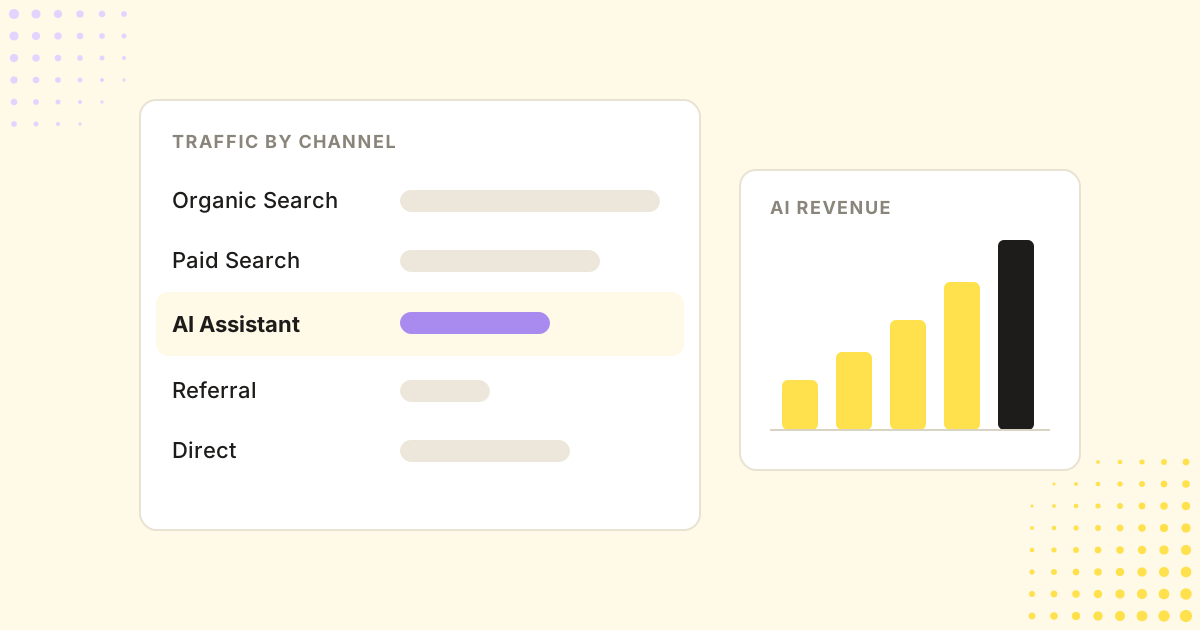
AI-referred visitors behave differently from other visitors. Adobe's data on US retail sites shows they converted 60% better than other traffic in July 2026 and brought 53% more revenue per visit. If that traffic is mixed into Referral or Direct, you cannot see it, value it or grow it.
Tracking it separately answers three questions: how many visitors AI assistants send you, which pages they land on, and how much they buy.
What is GA4's AI Assistant channel?
In May 2026, Google added an “AI Assistant” channel to GA4's default channel group. Sessions from recognised AI assistants are grouped there automatically, based on where the visit came from. It needs no setup, but it does not apply to data from before it was introduced.
Check which assistants it covers in Google's default channel group documentation, because the list has changed since launch. At the time of writing, reports indicate it includes ChatGPT, Gemini, Copilot, DeepSeek and Grok, while Perplexity visits still land in Referral and Google's AI Overviews count as Organic Search.
To see it: go to Reports → Acquisition → Traffic acquisition and look for the AI Assistant row in the Session default channel group.
How to set up a custom AI channel group in GA4
Because the default channel group cannot be edited, add your own channel group to catch every assistant you care about. Unlike the default channel, a custom channel group also applies to your historical data.
- Go to Admin → Data display → Channel groups and create a new channel group (or copy the default one).
- Add a channel named AI assistants.
- Set the condition to Session source matches regex, with a pattern such as:
chatgpt|openai|perplexity|claude|gemini|copilot|deepseek|grok|meta\.ai - Move the AI assistants channel above Referral, so these sessions are not counted as ordinary referrals.
- Save, then select your new channel group in the Traffic acquisition report.
Tip
ChatGPT often adds utm_source=chatgpt.com to the links it shows, which makes its visits easy to recognise. Keep your regex broad and review it every few months as new assistants appear.
How to see the revenue AI assistants bring
Visits are only half the story. To see revenue per channel, GA4 needs your purchases.
- Make sure your Shopify store sends purchase events to GA4, for example through the Google & YouTube app.
- In the Traffic acquisition report, add the metrics Total revenue, Key events and Session key event rate.
- Compare the AI assistants channel with Organic Search and Paid Search on conversion rate and revenue per session.
- Add Landing page as a secondary dimension to see which products and pages AI assistants send shoppers to.
In Shopify itself, the analytics reports group sessions by referrer, and each order's conversion details show where the visit came from. That is useful for spot checks; GA4 is better for trends over time.
What does AI traffic tracking miss?
- Visits without a referrer. Some assistant apps open links without passing a referrer. If the link has no UTM tag either, the visit shows up as Direct.
- Influence without a click. A shopper may read a recommendation and later search for your brand or type your URL. That sale is not credited to AI.
- AI Overviews. Clicks from Google's AI Overviews count as Organic Search, not as AI traffic.
So treat your AI channel numbers as a minimum. A rise in direct and branded traffic alongside it is often part of the same effect.
Traffic is the result. Visibility is the cause.
Analytics shows the visits AI assistants send you, but not the recommendations you missed. To grow the channel, track which shopping questions your products appear for, and which competitors appear instead. Our guide on getting your products recommended by ChatGPT explains how.
See visibility and revenue together
Beseam tracks your products across six AI assistants and links AI visibility to AI-referred traffic and revenue, by question, product and landing page.
Frequently asked questions
Does GA4 track ChatGPT traffic automatically?
Yes, mostly. Since May 2026, GA4 groups sessions from recognised AI assistants, including ChatGPT, into a default AI Assistant channel. Visits that arrive without a referrer still show up as Direct.
Why is Perplexity traffic not in the AI Assistant channel?
At the time of writing, Perplexity is not on the list of sources GA4 classifies as AI Assistant, so its visits appear under Referral. A custom channel group with a regex on session source can include it.
How much of my traffic comes from AI assistants?
For most webshops it is still a small share of total visits, but it is growing fast and converts above average. Check the AI Assistant channel, or your custom channel group, in GA4's Traffic acquisition report.
Can I see AI traffic in Shopify analytics?
Shopify's reports group sessions by referrer, so visits from chatgpt.com or perplexity.ai show up there, and each order's conversion details show where the visit came from. GA4 gives more control over channel grouping and trends.
Is AI traffic worth optimising for?
Adobe's data on US retail sites shows AI-referred visitors converting 60% better than other traffic in July 2026, with 53% more revenue per visit. The channel is small but valuable, and it is growing quickly.